
Family services
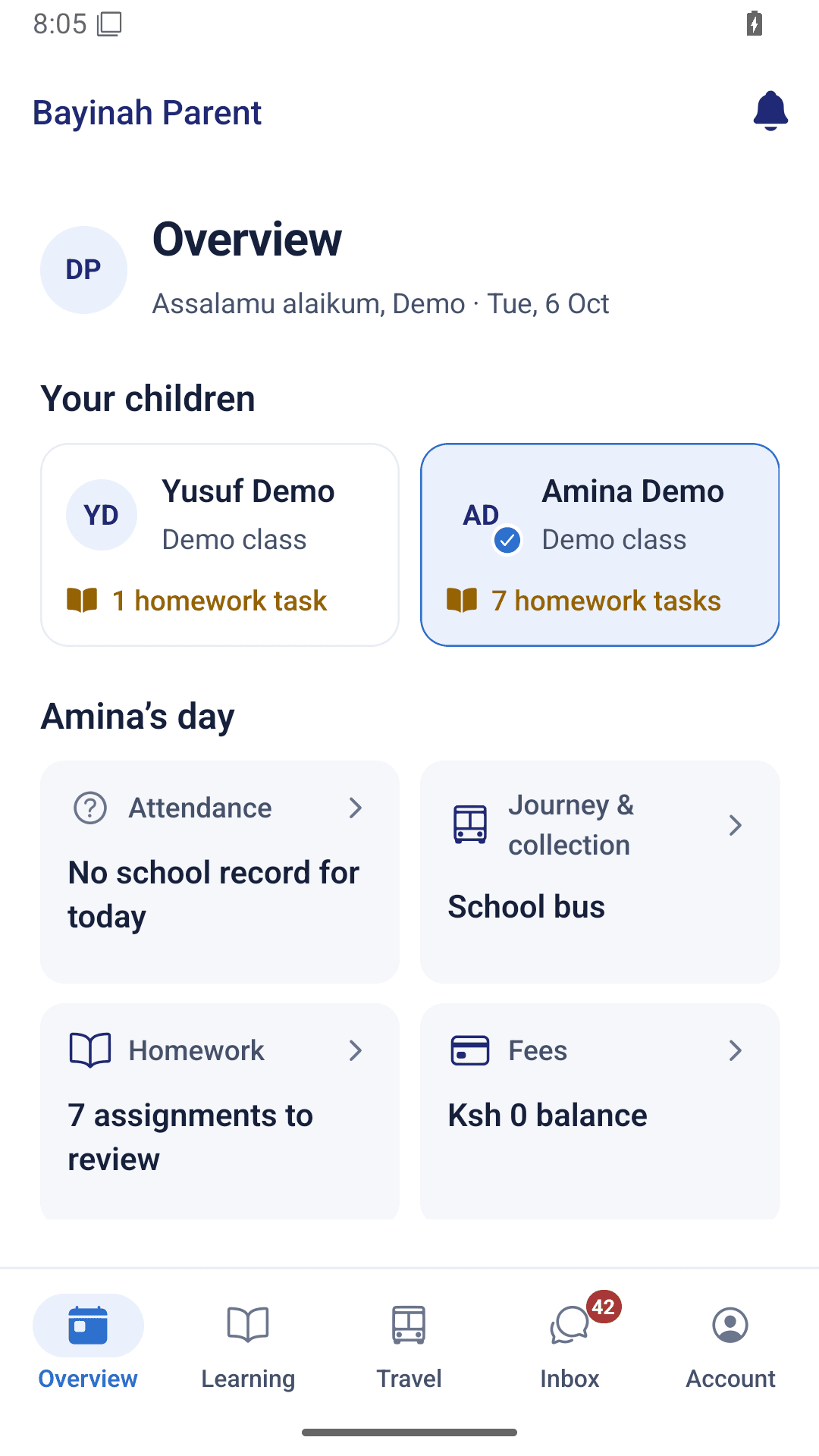
Bayinah previewMultiple children, homework, results, fees, notices, reminders and collection arrangements.
Sufrone Education connects school operations with the daily experience of families and staff. Explore the Bayinah Academy use case, then plan an instance for your school.
Fictional demonstration records. No credentials to type.
Move between the school website, family services and staff operations. Preview records are separate from a client’s school deployment.
Programmes, campuses, enquiries and admissions.
Two children, learning, fees, collection and school mail.
School management, department workspaces and communication.
Multiple children, homework, results, fees, notices, reminders and collection arrangements.
Assigned classes, lesson planning, attendance, reviewed marks, reports, timetable and Madrasa progress.
Prospective families, applications, enrolment records, campaigns and follow-up workspaces.
School statements, accounting, purchase approvals, suppliers, stores and asset custody.
Employee self-service, leave and expenses, library, support queues and restricted welfare/health records.
Separate driver and assistant duties, boarding and alighting, absence reports and parent collection.
Notices, responses, reminders and private school mail with signatures. Demo mail is captured locally.
Courses, learning resources, quizzes and LMS progress. Moodle will be connected later for client preview.
Bayinah is the current demonstration use case. Live Google Workspace, payment processing, traffic/GPS and background alerts require their own provider setup and acceptance. Moodle is planned and is not running in this preview.
Bayinah is the first use case, not a shared database for future schools. Branding, campuses, school policies, permissions and provider accounts belong to each client’s implementation.
Discuss your school’s onboarding